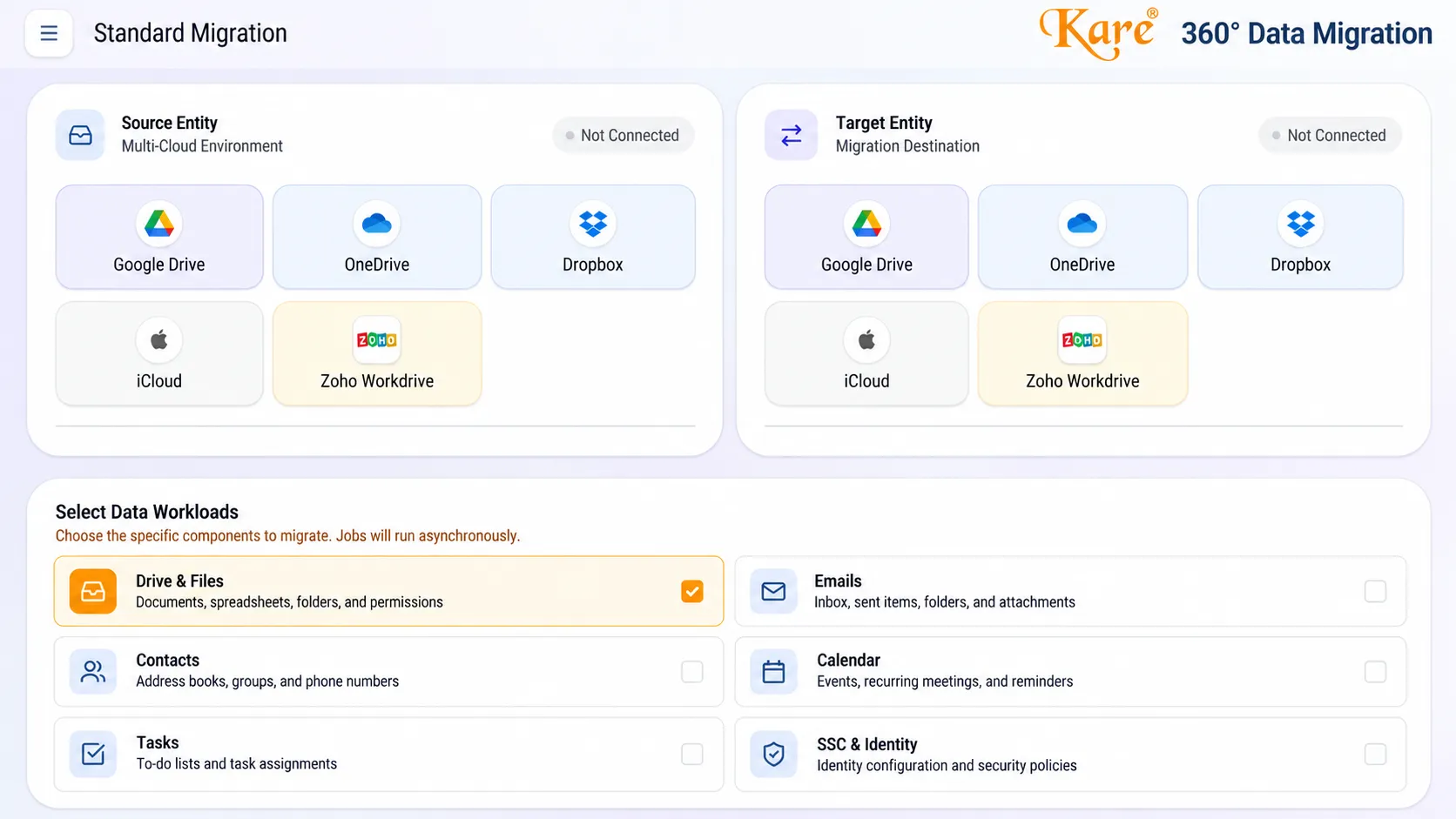

360° Data Migration is an enterprise solution for securely transferring business data between cloud platforms, preserving file integrity, permissions, and operational continuity with minimal disruption.
Preserve access controls & hierarchies
Zero-downtime background syncs
End-to-end data security at rest & in transit
Full audit trail & verification reports
Cloud Data Migration – 360° Data Migration helps businesses move their essential digital assets between cloud platforms with greater control, reliability, and security. Designed for organizations managing large volumes of business data, the solution supports cloud-to-cloud migration across platforms such as Google Workspace, Microsoft 365, Dropbox, Zoho, and other supported services.
The platform focuses on transferring emails, files, contacts, calendars, tasks, and related data while maintaining permission structures and providing visibility into migration progress. Its technical capabilities include encrypted data transfer, integrity validation, intelligent retry mechanisms, and detailed activity reporting.
Whether an organization is upgrading its cloud infrastructure, consolidating business accounts, or migrating data during a merger, 360° Data Migration helps simplify complex migration workflows and reduce manual effort.
Discover a more organized approach to enterprise cloud migration with reliable transfer processes and centralized monitoring.
A simple 4-step path to start using Kare® – 360° Data Migration in your business.
See the product in action and how it fits your workflow.
Create your account and configure the platform for your team.
Your team begins working on the platform from the browser.
Reach our team whenever you need help with the product.
Discover other services that work hand-in-hand with Kare® – 360° Data Migration.
Kwallify is a smart lead management CRM that finds leads in your inbox, scores prospects a...
Explore ServiceInstaPark is a digital valet parking platform helping hotels, event venues and commercial...
Explore Service
Pinsoftek helps your business appear accurately on Google Maps through location setup, ver...
Explore Service